
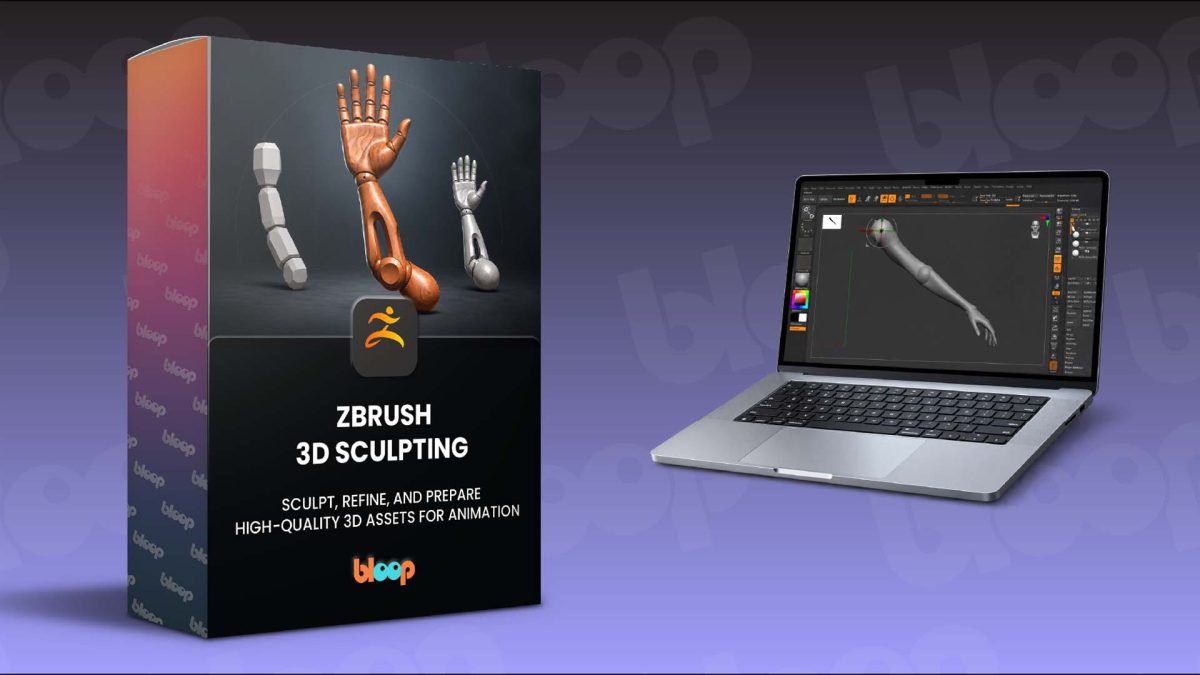
We’re excited to announce the release of our newest course: ZBrush 3D Sculpting!
This course is a complete, step-by-step introduction to digital sculpting in ZBrush, taking you from your first references and basic forms through to a refined, organized, animation-ready 3D asset.
Whether you’re completely new to ZBrush or looking for a more structured way to improve your sculpting skills, the course gives you a clear, practical workflow built around a complete project rather than disconnected tools and exercises.
Launch date: Thursday 24th September 2026Launch price: $67 for the first 3 days (ends Sunday, Sept 27th at 11:59 PM ET).Discount Code at checkout: BLOOP
After that, it goes up to $97 – and stays there.
Why This ZBrush Course?
ZBrush is an incredibly powerful sculpting tool, but getting started can feel overwhelming.
This course is designed to make that process much more approachable. You’ll begin with the interface, navigation, brushes, Dynamesh, SubTools, and project organization before gradually moving into shape design, proportions, material studies, refinement, and production preparation.
Rather than simply learning what each tool does, you’ll learn how and when to use it as part of a complete sculpting workflow.
You’ll also explore the thinking behind professional asset creation: how to gather useful references, break complex objects into simpler forms, create functional components, and consider how a model may eventually need to move or be animated.
Key Learnings
- Navigate ZBrush confidently using essential sculpting tools, brushes, SubTools, and Dynamesh.
• Build stronger designs through effective reference gathering, proportions, silhouettes, and shape language.
• Develop clean primary and secondary forms before moving into finer sculpted detail.
• Create separate, functional components with movement and animation requirements in mind.
• Sculpt convincing stylized materials using a range of practical brush techniques.
• Refine, clean, and organize your sculpt for production and final export.
What’s Part of ZBrush 3D Sculpting
Reference Gathering & Anatomy: Learn how professional artists collect and analyze references, looking at proportions, forms, materials, mechanical details, and anatomy to create a strong visual foundation before sculpting begins.
Getting Started with ZBrush: Get comfortable with the ZBrush interface, navigation, SubTools, Dynamesh, project organization, and essential brushes including Move, Clay Buildup, Smooth, and Dam Standard.
Blocking Out Your Sculpt: Start building the main forms while focusing on proportions, silhouette, shape language, and overall structure before adding smaller details. You’ll also begin thinking about the model as a collection of separate parts rather than one solid object.
Creating Functional Parts: Learn how to separate your sculpt into individual components using masking, Extract, Inflate, Gizmo 3D, and Split Hidden, while considering how those parts could eventually move and function in animation.
Sculpting Materials & Refining the Design: Explore techniques for creating believable stylized surfaces while developing secondary forms, material transitions, readability, and design hierarchy. You’ll work with tools including Dam Standard, Clay Buildup, Orb Cracks, Trim Dynamic, HPolish, Pinch, and Smooth.
Preparing Your Asset for Production: Finish by cleaning and organizing the model using ZRemesher, PolyGroups, Decimation Master, Gizmo 3D, and other production-focused techniques, preparing the completed asset for export.
Build a Complete 3D Sculpting Workflow
By the end of the course, you’ll have developed a solid foundation in ZBrush while gaining a better understanding of how 3D assets are designed and prepared for animation pipelines.
You’ll also finish with a portfolio-quality sculpt that brings together form, materials, functionality, and production-focused thinking.
Ready To Start?
If you’ve been wanting to learn ZBrush through a practical, project-based workflow, ZBrush 3D Sculpting is a great place to start.
It’s beginner-friendly, hands-on, and designed to take you from your first blockout to a refined, production-ready 3D asset.