Placeholder

Are you ready to get started?
Get Started

Learn Anywhere

Lessons look great on any device you own.

Project Files

All original project files and assets featured in the course.

Subtitles Available

Video lessons include subtitles in Spanish, Chinese, and Portuguese
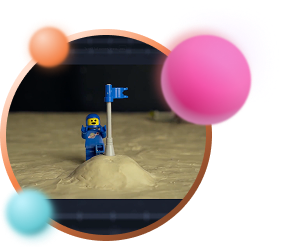
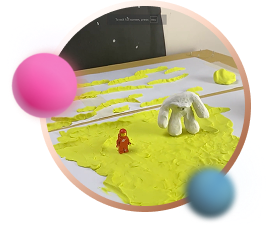
  • Image

    Introduction to Stop-Motion Animation

    We’ll start by going over the basic principles of stop motion. What you'll need to set up a proper stop-motion environment, as well as a quick overview of Dragonframe - the industry standard program for stop-motion animation.
  • Image

    Setting Up a Scene

    After we understand the basics of how stop motion works, we'll go over connecting and setting up a camera, as well as how to light our scene. Then we'll build a set for our animation sequence, and construct a clay character from scratch.
  • Image

    Animating a Scene

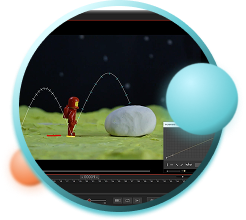
    When our assets are ready, we'll get into animating all the shots for our sequence. We'll use Dragonframe's planning tools, audio tools, onion skinning & toggling, and even lip-syncing.
  • Image

    Exporting & Post-Production

    When our animation is ready, we'll learn how to export our images from Dragonframe into an editing program such as Premiere, and learn how to use After Effects for rig removal and working with RAW files.

What will you learn?

Editing Foundations Course

A step-by-step course to video editing with Adobe Premiere and DaVinci Resolve

Are you ready to get started?

Get the course

30 day money back guarantee

2 Courses in 1

This course includes a complete editing course using both Adobe Premiere and DaVinci Resolve.

44 HD Video Lessons

A comprehensive online course with 44 video lessons, which can be viewed on any device.

Made for filmmakers

As filmmakers, we've designed this course to be tailored specifically for aspiring filmmakers. Animation, live action or TV. No previous experience needed. Editing has never been easier and cheaper. But without the basics, it's easy to end up with a bad film, or no film at all. This course guides you through all the steps of film editing, from assembling footage to color correction, making sure you're never lost on the way.

Videos

9 modules with 44 HD video lessons.

Learn Anywhere

Lessons look great on any device you own.

Files + Videos

All original videos and project files featured in the lessons.

2 Courses in 1

The course includes complete courses for both Adobe Premiere Pro and DaVinci Resolve.

Subtitles Available

Video lessons include subtitles in Spanish, Chinese, and Portuguese.

What will you learn?

Editing Basics

We’ll start by going over basic principles of video editing. What editing is, its history, different editing techniques, camera shot types, and different file formats and resolutions.

User Interface

Once we cover our editing fundamentals, we'll jump into the software. We'll start by covering the user interface of Adobe Premiere Pro / DaVinci Resolve, and understand how to navigate the different windows and timelines.

Rough Edit

Once we understand how to use the software, we'll bring in the different shots of our short film, and lay them out on the timeline. We'll create a rough cut from these shots, trim and refine our edit as needed.

Audio Mixing

Once our cut is in good shape, we'll learn how to bring in audio files for both the sounds effects and the score of the film. We'll briefly show how to mix these files together to create a great sounding film.

Finishing the Edit

To finalize our edit, we'll replace the temporary shots with the final composited ones, color-correct and grade the shots, and export a finished film.
What will you learn?

Editing Basics

We’ll start by going over basic principles of video editing. What editing is, its history, different editing techniques, camera shot types, and different file formats and resolutions.

 User Interface

Once we cover our editing fundamentals, we'll jump into the software. We'll start by covering the user interface of Adobe Premiere Pro / DaVinci Resolve, and understand how to navigate the different windows and timelines.

 Rough Edit

Once we understand how to use the software, we'll bring in the different shots of our short film, and lay them out on the timeline. We'll create a rough cut from these shots, trim and refine our edit as needed.

Audio Mixing

Once our cut is in good shape, we'll learn how to bring in audio files for both the sounds effects and the score of the film. We'll briefly show how to mix these files together to create a great sounding film.

Finishing the Edit

To finalize our edit, we'll replace the temporary shots with the final composited ones, color-correct and grade the shots, and export a finished film.
2 Courses in 1 package!

This course comes with 2 complete courses for each of the best editing software available - Adobe Premiere Pro and DaVinci Resolve. The reason we included both programs in this course is to provide both a paid and a free software option for students interested in film editing.


Super detailed, fast paced.

We hate long, dragged-out tutorials. We believe in bite-sized lessons with a clear structure that get straight to the point without skipping any important information. We’ll take you step-by-step through the program’s learning curve.

Film courses can get expensive.

Editing courses can be pricey, often in the thousands of dollars. These programs cover entire skill sets, including many topics you'll probably never use. Our courses are just the right size and very cost-effective, teaching exactly what you need to know to start editing right away.

Membership Shmembership

We don't follow the membership model most course platforms use to keep you paying every month. We give you lifetime access for a one-time payment.

A Bloop Animation course

Bloop Animation Studios is a leading platform in animation and filmmaking training, with hundreds of video tutorials and articles, books, 16 animation video courses and 3 animated short films under its belt.

As filmmakers, we built this course from the ground up to be tailored to other animators and filmmakers. Professional or aspiring.


A Bloop Animation course

Bloop Animation Studios is a leading platform in animation and filmmaking training, with hundreds of video tutorials and articles, books, 16 animation video courses and 3 animated short films under its belt.

As filmmakers, we built this course from the ground up to be tailored to other animators and filmmakers. Professional or aspiring.

Course structure

  Click to show lessons

Are you ready to get started?
Get the course

From our students:

Bloop Animation provides a very simple-to-use learning platform, making all the content easily accessible. The option of downloading the video lessons makes it easy for me to carry the course with me wherever I go. I always have it on my iPad and it’s a constant reference.

Luis Miguel Guerra Abril, animator and designer, Spain

Frequently Asked Questions

Is the software included with the course?

No, you will have to get the software separately. Premiere Pro can be purchased from Adobe.com, while DaVinci Resolve is free to download at blackmagicdesign.com

What hardware do I need? As long as you have a relatively modern computer and can run Blender and connect to the internet, you should be good to go.

What if I don’t like the course?

No worries, the course comes with a 30 day money back guarantee. If you don’t like the course, simply email us and you’ll get a full refund, no questions asked.

Will I always have access to the class or is it just for a limited time?

You will always have access to all the courses and products you purchase from Bloop.

Will I get the whole course right away, or will it be available over a period of time?

You will have access to the entire course and materials immediately after purchasing.

I’ve never used this program before. Will I be lost?

This course was created assuming you’ve never used the program before. We go over all the basics to make sure you are able to follow along.

Get Started

30 day money back guarantee

Basic

Just the Course

$67


editing-foundations-basic

  • 44 HD Video Lessons
  • Works on Any Device
  • Project Files
  • Covers Premiere Pro + DaVinci Resolve
  • Animation Foundations Course Included
  • Storyboarding Foundations Course Included

$67 - Buy Now

Pro

The Course + Animation Foundations

$97


editing-foundations-pro

  • 68 HD Video Lessons
  • Works on Any Device
  • Project Files
  • Covers Premiere Pro + DaVinci Resolve
  • Animation Foundations Course Included
  • Storyboarding Foundations Course Included

$97 - Buy Now

Most Popular

Master

Course + 2 Foundations Courses

$147


editing-foundations-master

  • 122 HD Video Lessons
  • Works on Any Device
  • Project Files
  • Covers Premiere Pro + DaVinci Resolve
  • Animation Foundations Course Included
  • Storyboarding Foundations Course Included

$147 - Buy Now

All-Access

Our entire course library

$397


  • 696 HD Video Lessons
  • 18 Video Courses
  • Works on Any Device
  • Payment Plan Available

3 Payments of $133 OR:
$397 - Buy Now

Are you an educational institution / teacher?

Check out our educational licenses.

Our course comes with a 30 Day Money Back Guarantee.

We're ready to prove everything we claim. Buy the course today, and see for yourself.
If the course does not live up to any of the claims stated here, I will refund every penny back to you.
No hassles and we can part as friends.

100% Money-Back Guaranteed.

Every course included in the All-Access Pass:

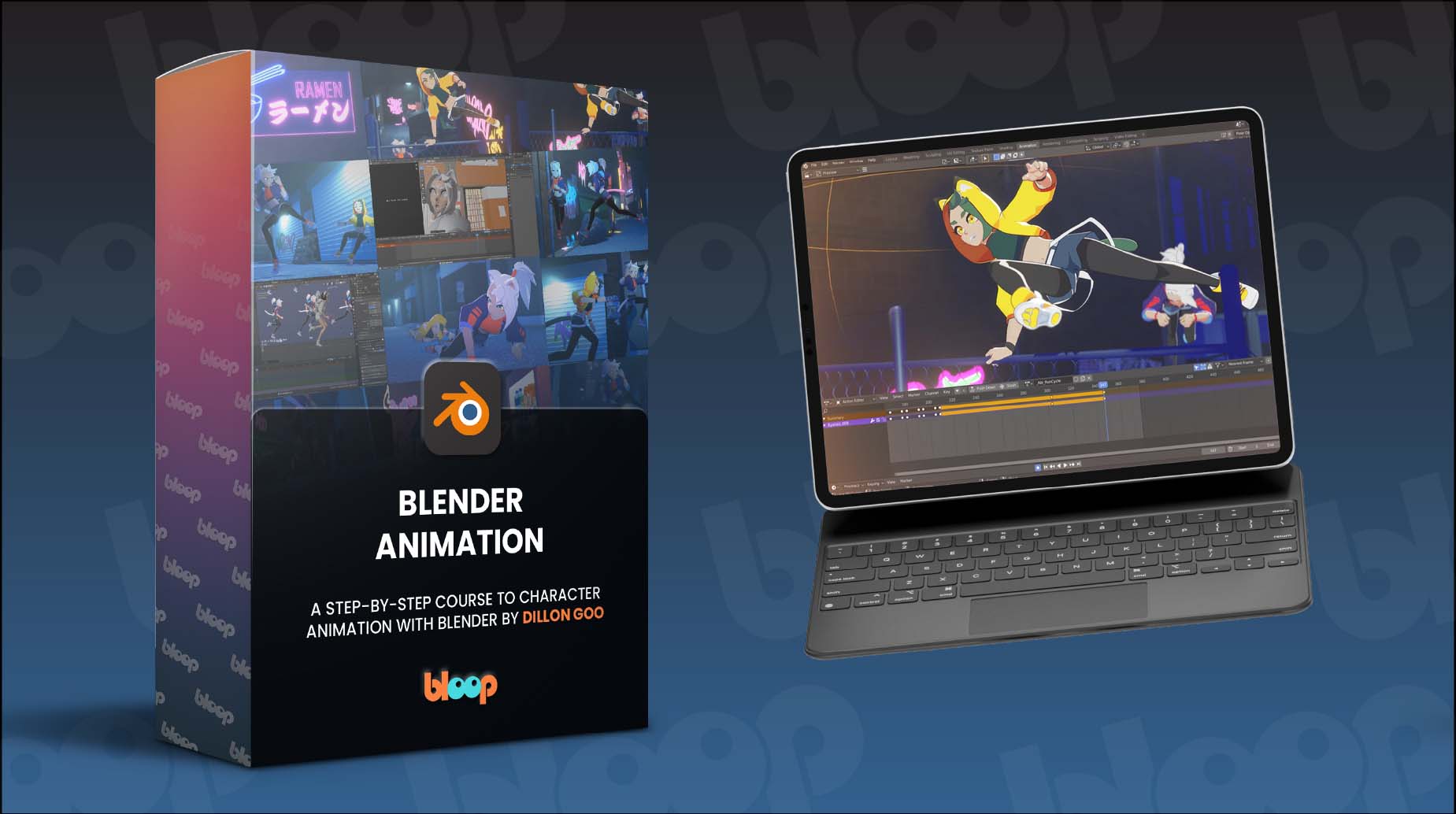
Blender Object Animation

Blender Animation
Dillon Gu teaches character animation in Blender

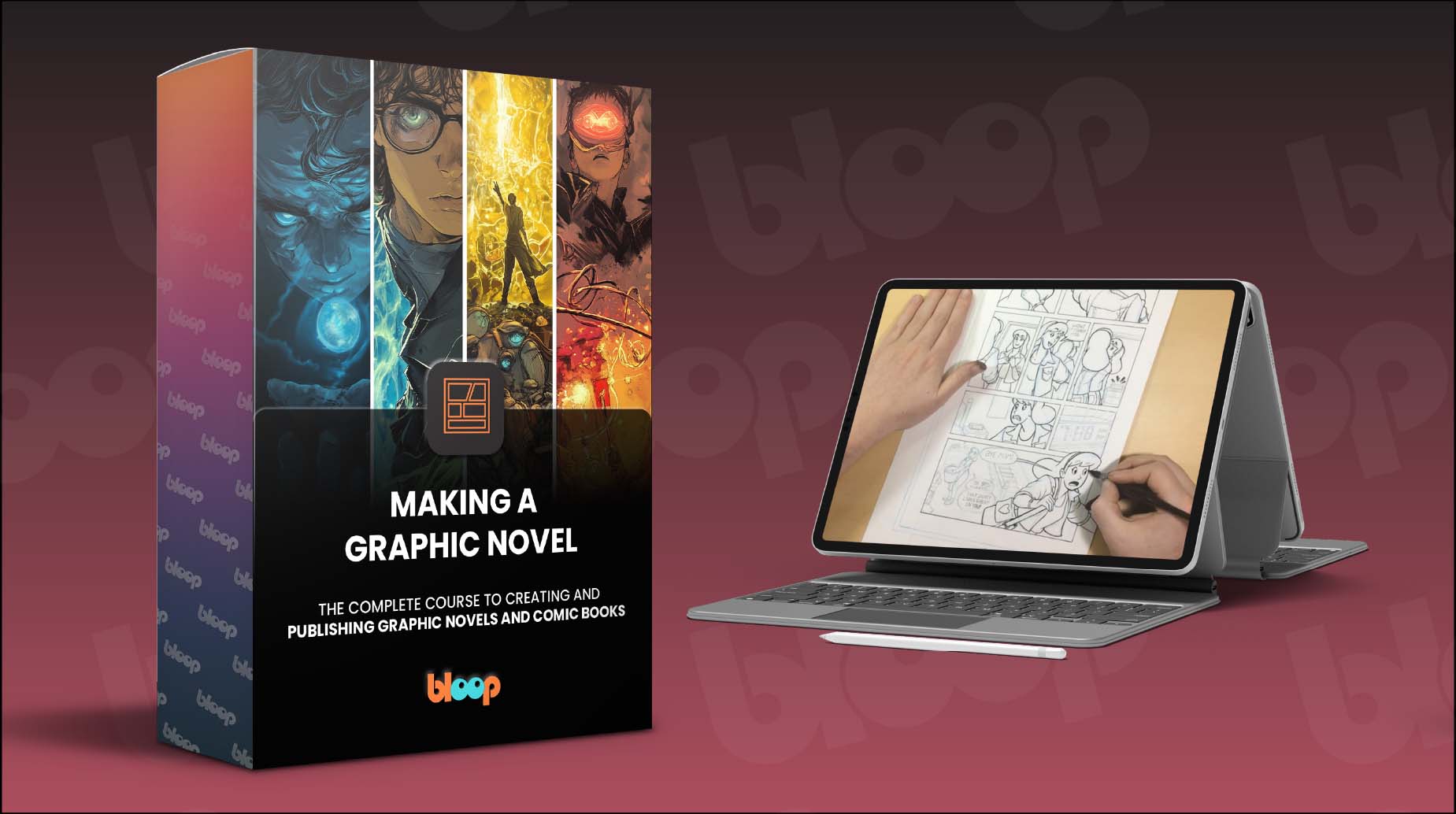
Making a Graphic Novel

Making A Graphic Novel
Creating and publishing graphic novels and comic books

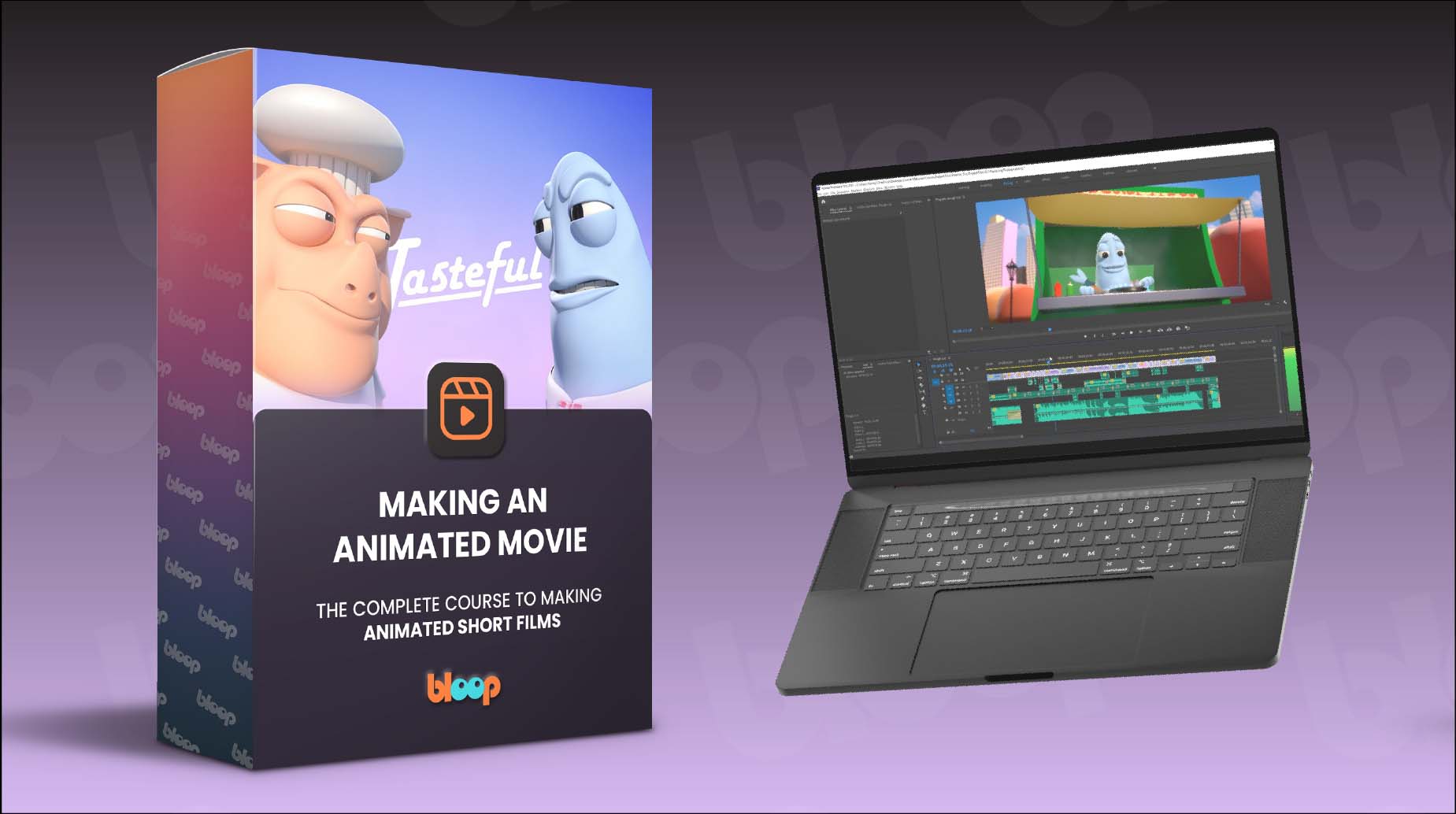
Making An Animated Movie

Making An Animated Movie
Making animated short films from start to finish

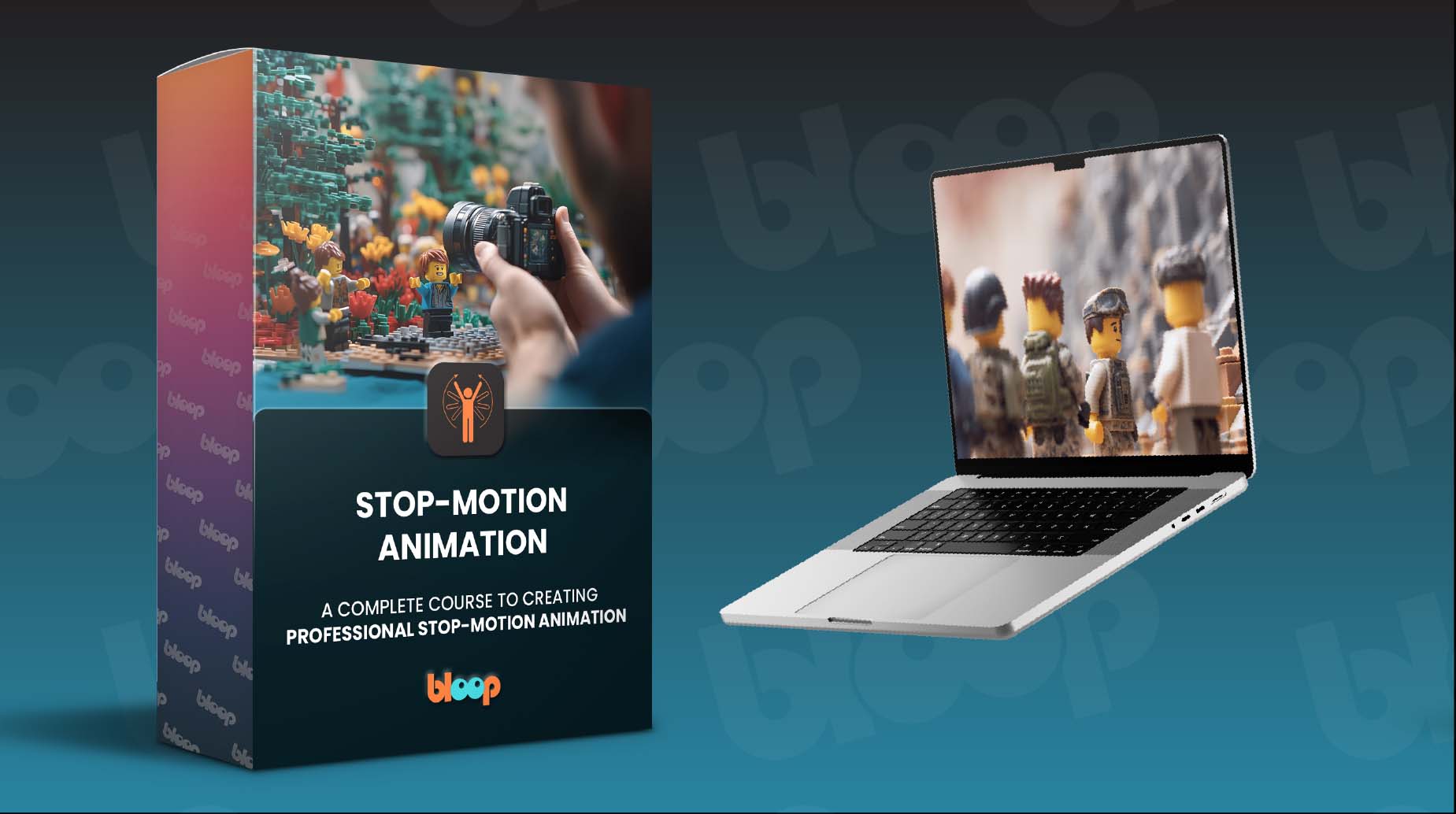
Stop-Motion Animation

Stop-Motion Animation
Create professional stop-motion animation using Dragonframe

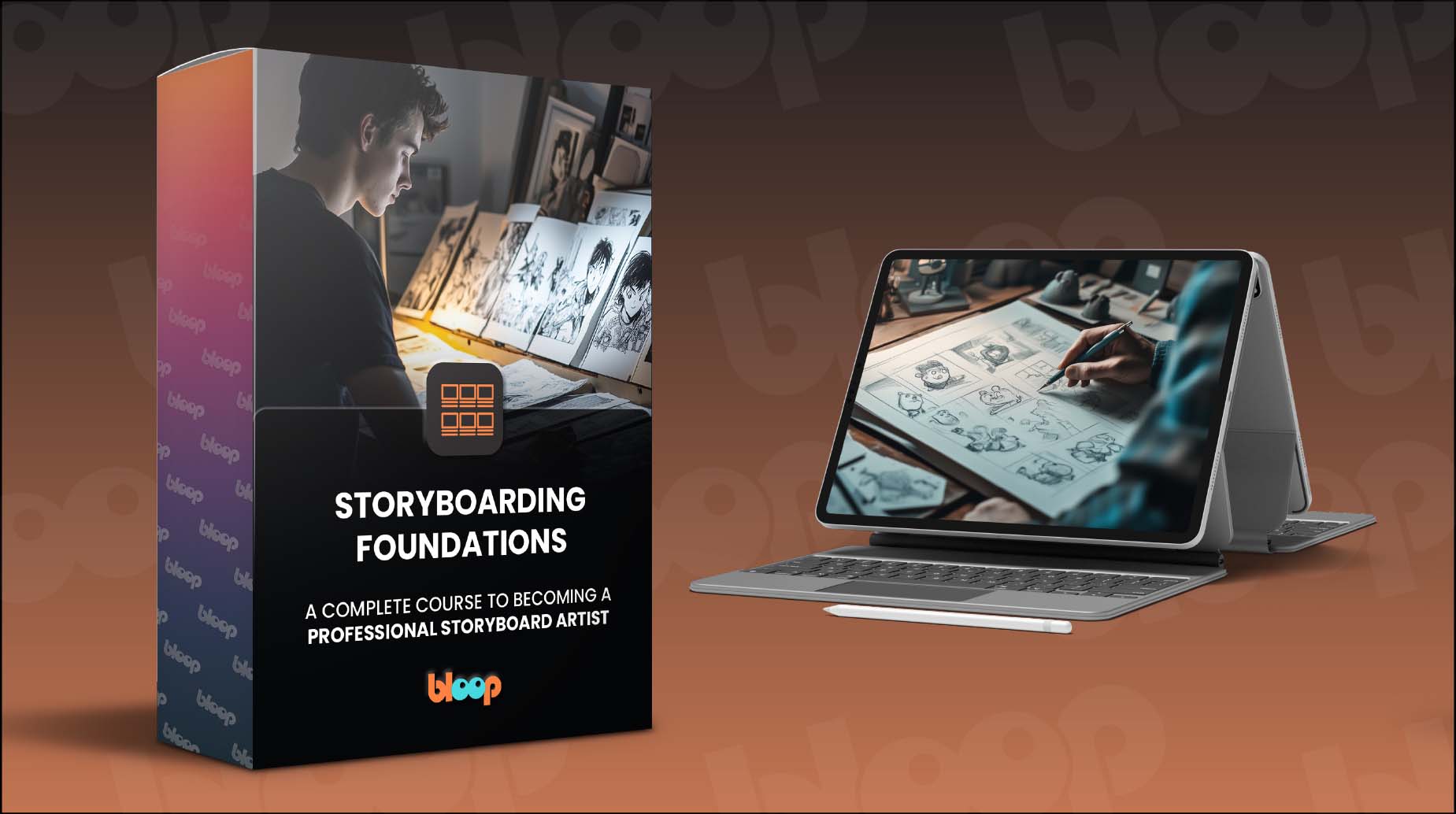
Storyboarding Foundations

Storyboarding Foundations
Make cool animations for YouTube, or professional 2D frame-by-frame animation

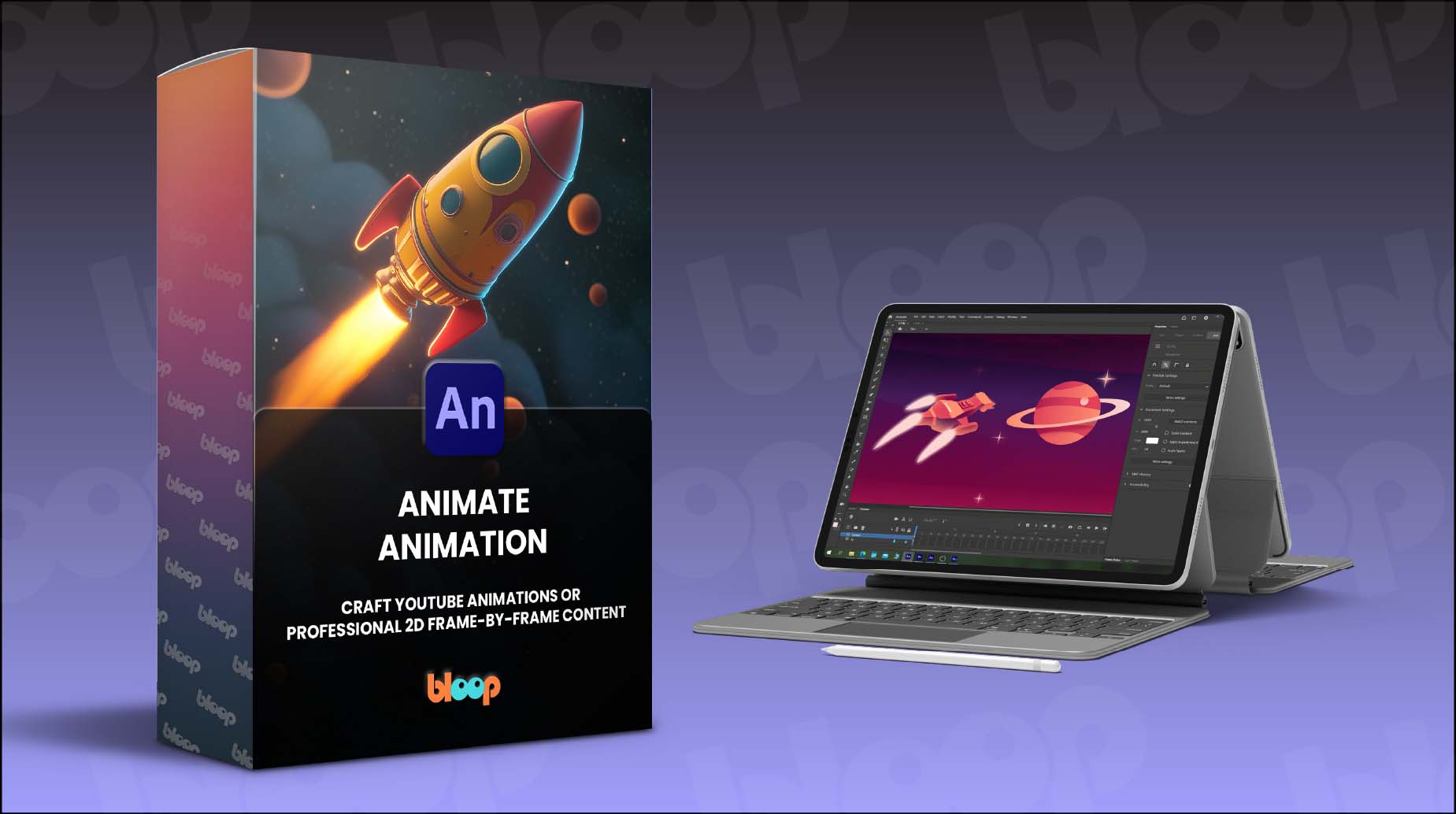
Animate Animation

Animate Animation
Make cool animations for YouTube, or professional 2D frame-by-frame animation

    Super detailed,
    fast-paced.

    We dislike long, drawn-out tutorials. We prefer bite-sized lessons with a clear, direct structure that gets straight to the point without losing important information.

    Animation courses can get expensive.

    Animation courses can be expensive, covering extensive skills that may not all be necessary. Our affordable courses are concise, teaching essential animation skills to get you started immediately.

    Membership Shmembership

    We don't follow the membership model most course platforms use to keep you paying every month. We give you lifetime access for a one-time payment.

    Get Started

    Get lifetime access to a single course, or our entire course library.
    30-day money-back guarantee

    Basic

    Just the course, including all project files & assets.
    one-time payment
    Get Basic

    A single course - full access to the entire course, with 40 video lessons, project files, and assets.

    Lifetime Access - Get lifetime access to this course, including any future updates.

    All Access

    Unlimited access to our entire course library.
    $397
    one-time payment
    Get All Access

    18 courses - full access to our entire course library, with hundreds of video lessons, project files, and assets.

    Lifetime Access - Get lifetime access to our course catalog, including any future updates.

    Over $1k in savings - save hundreds of dollars by getting access to over a thousand dollars worth of products.

    Payment plan available - We offer a flexible 3-payment option if you rather pay over time.

    Are you an educational institution / teacher?

    Check out our educational licenses.

    Our course comes with a 30-day Money Back Guarantee.

    We're ready to prove everything we claim. Buy the course today, and see for yourself.
    If the course does not live up to any of the claims stated here, we will refund every penny back to you.
    No hassles and we can part as friends.

    100% Money-Back Guaranteed.

    About Bloop Animation

    Bloop Animation is a leading platform in animation and filmmaking training, with hundreds of video tutorials and articles, books and video courses.


    As filmmakers, we build our courses from the ground up to be tailored to other animators and filmmakers. Professional or aspiring.

    We are proudly part of Magic Media, an ambitious group at the forefront on the games and entertainment industry.

    Bloop Logo
    Bloop Logo

    About Bloop Animation

    Bloop Animation is a leading platform in animation and filmmaking training, with hundreds of video tutorials and articles, books and video courses.


    As filmmakers, we build our courses from the ground up to be tailored to other animators and filmmakers. Professional or aspiring.

    We are proudly part of Magic Media, an ambitious group at the forefront on the games and entertainment industry.

    Get Started

    30-day money back guarantee
    Basic
    Just the course

    • A Single Course
    • Project Files + Assets
    • Lifetime Access

    Best Value

    All-Access
    Our entire course library
    $397

    Image
    • 19 Courses
    • 742 Video Lessons
    • Project Files + Assets
    • Lifetime Access
    • Payment plan available
    3 Payments of $133 OR:
    $397 - Buy Now

    Are you an educational institution / teacher?

    Check out our educational licenses.

    Our course comes with a 30-day Money Back Guarantee.

    We're ready to prove everything we claim. Buy the course today, and see for yourself.
    If the course does not live up to any of the claims stated here, we will refund every penny back to you.
    No hassles and we can part as friends.

    100% Money-Back Guaranteed.

    Get Started

    30-day money back guarantee

    Prices Increase in:

    Showtime!
    At the end of Tuesday, November 28, the Pro and Master packages will no longer be available, and the Basic package price will increase to $97.
    Basic
    Just the course
    $97
    $30 Savings

    • Project Files + Assets
    • Animation Foundations Course Included
    • Storyboarding Foundations Course Included
    Pro
    $194
    $97 Savings

    • Project Files + Assets
    • Animation Foundations Course Included
    • Storyboarding Foundations Course Included

    Most Popular

    Master
    $291
    $144 Savings

    • Project Files + Assets
    • Animation Foundations Course Included
    • Storyboarding Foundations Course Included
    All-Access
    Our entire course library
    $397


    Image
    • 696 Video Lessons
    • 18 Video Courses
    • Project Files + Assets
    • Payment plan available
    3 Payments of $133 OR:
    $397 - Buy Now

    Are you an educational institution / teacher?

    Check out our educational licenses.

    Our course comes with a 30-day Money Back Guarantee.

    We're ready to prove everything we claim. Buy the course today, and see for yourself.
    If the course does not live up to any of the claims stated here, we will refund every penny back to you.
    No hassles and we can part as friends.

    100% Money-Back Guaranteed.

    Course structure

    Editing Foundations Course

    A step-by-step course to video editing with Adobe Premiere and DaVinci Resolve

    Are you ready to get started?

    Get the course

    30 day money back guarantee

    2 Courses in 1

    This course includes a complete editing course using both Adobe Premiere and DaVinci Resolve.

    44 HD Video Lessons

    A comprehensive online course with 44 video lessons, which can be viewed on any device.

    Made for filmmakers

    As filmmakers, we've designed this course to be tailored specifically for aspiring filmmakers. Animation, live action or TV. No previous experience needed. Editing has never been easier and cheaper. But without the basics, it's easy to end up with a bad film, or no film at all. This course guides you through all the steps of film editing, from assembling footage to color correction, making sure you're never lost on the way.

    Videos

    9 modules with 44 HD video lessons.

    Learn Anywhere

    Lessons look great on any device you own.

    Files + Videos

    All original videos and project files featured in the lessons.

    2 Courses in 1

    The course includes complete courses for both Adobe Premiere Pro and DaVinci Resolve.

    Subtitles Available

    Video lessons include subtitles in Spanish, Chinese, and Portuguese.

    What will you learn?

    Editing Basics

    We’ll start by going over basic principles of video editing. What editing is, its history, different editing techniques, camera shot types, and different file formats and resolutions.

    User Interface

    Once we cover our editing fundamentals, we'll jump into the software. We'll start by covering the user interface of Adobe Premiere Pro / DaVinci Resolve, and understand how to navigate the different windows and timelines.

    Rough Edit

    Once we understand how to use the software, we'll bring in the different shots of our short film, and lay them out on the timeline. We'll create a rough cut from these shots, trim and refine our edit as needed.

    Audio Mixing

    Once our cut is in good shape, we'll learn how to bring in audio files for both the sounds effects and the score of the film. We'll briefly show how to mix these files together to create a great sounding film.

    Finishing the Edit

    To finalize our edit, we'll replace the temporary shots with the final composited ones, color-correct and grade the shots, and export a finished film.
    What will you learn?

    Editing Basics

    We’ll start by going over basic principles of video editing. What editing is, its history, different editing techniques, camera shot types, and different file formats and resolutions.

     User Interface

    Once we cover our editing fundamentals, we'll jump into the software. We'll start by covering the user interface of Adobe Premiere Pro / DaVinci Resolve, and understand how to navigate the different windows and timelines.

     Rough Edit

    Once we understand how to use the software, we'll bring in the different shots of our short film, and lay them out on the timeline. We'll create a rough cut from these shots, trim and refine our edit as needed.

    Audio Mixing

    Once our cut is in good shape, we'll learn how to bring in audio files for both the sounds effects and the score of the film. We'll briefly show how to mix these files together to create a great sounding film.

    Finishing the Edit

    To finalize our edit, we'll replace the temporary shots with the final composited ones, color-correct and grade the shots, and export a finished film.
    2 Courses in 1 package!

    This course comes with 2 complete courses for each of the best editing software available - Adobe Premiere Pro and DaVinci Resolve. The reason we included both programs in this course is to provide both a paid and a free software option for students interested in film editing.
     

    Super detailed, fast paced.

    We hate long, dragged-out tutorials. We believe in bite-sized lessons with a clear structure that get straight to the point without skipping any important information. We’ll take you step-by-step through the program’s learning curve.

    Film courses can get expensive.

    Editing courses can be pricey, often in the thousands of dollars. These programs cover entire skill sets, including many topics you'll probably never use. Our courses are just the right size and very cost-effective, teaching exactly what you need to know to start editing right away.

    Membership Shmembership

    We don't follow the membership model most course platforms use to keep you paying every month. We give you lifetime access for a one-time payment.

    A Bloop Animation course

    Bloop Animation Studios is a leading platform in animation and filmmaking training, with hundreds of video tutorials and articles, books, 16 animation video courses and 3 animated short films under its belt.

    As filmmakers, we built this course from the ground up to be tailored to other animators and filmmakers. Professional or aspiring.


    A Bloop Animation course

    Bloop Animation Studios is a leading platform in animation and filmmaking training, with hundreds of video tutorials and articles, books, 16 animation video courses and 3 animated short films under its belt.

    As filmmakers, we built this course from the ground up to be tailored to other animators and filmmakers. Professional or aspiring.

    Course structure

      Click to show lessons

    Are you ready to get started?
    Get the course

    From our students:

    Bloop Animation provides a very simple-to-use learning platform, making all the content easily accessible. The option of downloading the video lessons makes it easy for me to carry the course with me wherever I go. I always have it on my iPad and it’s a constant reference.

    Luis Miguel Guerra Abril, animator and designer, Spain

    Frequently Asked Questions

    Is the software included with the course?

    No, you will have to get the software separately. Premiere Pro can be purchased from Adobe.com, while DaVinci Resolve is free to download at blackmagicdesign.com

    What hardware do I need? As long as you have a relatively modern computer and can run Blender and connect to the internet, you should be good to go.

    What if I don’t like the course?

    No worries, the course comes with a 30 day money back guarantee. If you don’t like the course, simply email us and you’ll get a full refund, no questions asked.

    Will I always have access to the class or is it just for a limited time?

    You will always have access to all the courses and products you purchase from Bloop.

    Will I get the whole course right away, or will it be available over a period of time?

    You will have access to the entire course and materials immediately after purchasing.

    I’ve never used this program before. Will I be lost?

    This course was created assuming you’ve never used the program before. We go over all the basics to make sure you are able to follow along.

    Get Started

    30 day money back guarantee

    Basic

    Just the Course

    $67


    editing-foundations-basic

    • 44 HD Video Lessons
    • Works on Any Device
    • Project Files
    • Covers Premiere Pro + DaVinci Resolve
    • Animation Foundations Course Included
    • Storyboarding Foundations Course Included

    $67 - Buy Now

    Pro

    The Course + Animation Foundations

    $97


    editing-foundations-pro

    • 68 HD Video Lessons
    • Works on Any Device
    • Project Files
    • Covers Premiere Pro + DaVinci Resolve
    • Animation Foundations Course Included
    • Storyboarding Foundations Course Included

    $97 - Buy Now

    Most Popular

    Master

    Course + 2 Foundations Courses

    $147


    editing-foundations-master

    • 122 HD Video Lessons
    • Works on Any Device
    • Project Files
    • Covers Premiere Pro + DaVinci Resolve
    • Animation Foundations Course Included
    • Storyboarding Foundations Course Included

    $147 - Buy Now

    All-Access

    Our entire course library

    $397


    • 696 HD Video Lessons
    • 18 Video Courses
    • Works on Any Device
    • Payment Plan Available

    3 Payments of $133 OR:
    $397 - Buy Now

    Are you an educational institution / teacher?

    Check out our educational licenses.

    Our course comes with a 30 Day Money Back Guarantee.

    We're ready to prove everything we claim. Buy the course today, and see for yourself.
    If the course does not live up to any of the claims stated here, I will refund every penny back to you.
    No hassles and we can part as friends.

    100% Money-Back Guaranteed.

    From our students:

    Bloop Animation provides a very simple-to-use learning platform, making all the content easily accessible. The option of downloading the video lessons makes it easy for me to carry the course with me wherever I go. I always have it on my iPad and it’s a constant reference.

    Luis Miguel Guerra Abril

    Animator and Designer , Spain
    Image

    Upgrade your experience with the All-Access Pass

    The All-Access Pass gives you lifetime access to our entire course library and includes any future releases and all related project files.
    Learn more

    Frequently Asked Questions

    Learn More. Pay Less. $19 Per Course.

    Unlock lifetime access to our entire library (21 courses, 833 lessons), project files and every future course.

    Get All-Access
     
    Image
    Image
    Image
    Image
    Image
    Image