

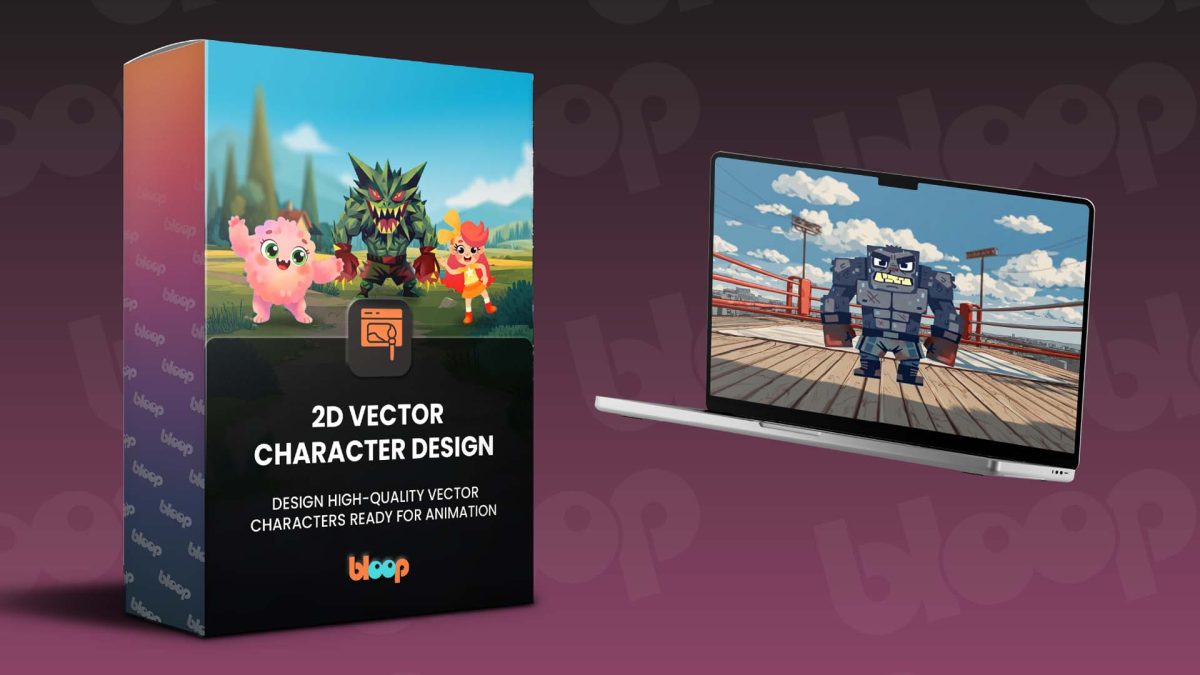
We’re excited to announce the release of our newest course: 2D Vector Character Design!
This course is a complete, step-by-step guide to designing professional 2D vector characters from scratch, all the way from your first sketch to a fully finished, animation-ready character sheet. Whether you’re brand new to Adobe Illustrator or just looking to sharpen your character design skills, this course gives you a clear, practical workflow used in real animation studios.
Launch date: Tuesday, March 31st
Launch price: $67 for the first 3 days (23.59pm ET on Friday 3rd April 2026).
Use code: Bloop2D
After that, the price increases to $97 and stays there.
Why This Course?
Character design is one of the most in-demand skills in animation, and this course is designed to give you a proper, professional foundation. Across a number of modules, you’ll learn how to develop a character concept, build it as clean vector artwork in Adobe Illustrator, and prepare it for use inside animation software like After Effects, Adobe Animate, or Toon Boom.
Best of all, you don’t need to be an advanced illustrator to start. All you need is a basic sketch and the motivation to create.
Key Learnings
• How to work with vector tools in Adobe Illustrator, including the Pen Tool, Shape Builder, and Pathfinder.
• How professional animation studios approach character design from concept to final artwork.
• How to use shape and color to communicate personality, mood, and story.
• How to build a clean, consistent model sheet with multiple views and expressions.
• How to organize and export your character, ready for animation.
What’s Part of 2D Vector Character Design
Getting Started with Adobe Illustrator: Learn how Illustrator works and how vector graphics differ from pixel-based artwork.
Understanding the Character Design Pipeline: Follow the professional step-by-step process used in animation studios, from defining a character’s personality and purpose to sketching rough concepts that explore shape, style, and proportions.
Using Shape and Color to Tell a Story: Discover how shapes influence perception from circles for friendliness, squares for strength, triangles for energy or danger and how to choose colors that communicate mood, emotion, and character relationships.
Creating Your Final Character Design: Turn your sketches into clean vector artwork using Illustrator’s most important tools. You’ll refine your design into a polished, animation-ready character.
Coloring and Finishing Touches: Choose a consistent color palette, add highlights or shadows where needed, and finalize accessories and details without overcomplicating the design.
Preparing Your Character for Animation: Break your character into separate, organized parts such as the head, arms, legs, eyes, and more, which are ready to be imported into Adobe Animate, After Effects, or Toon Boom.
Ready To Start?
If you’ve been wanting to learn character design the right way, this is the 2D Vector Character Design course for you. It’s approachable, practical, and built to take you from zero to animation-ready.